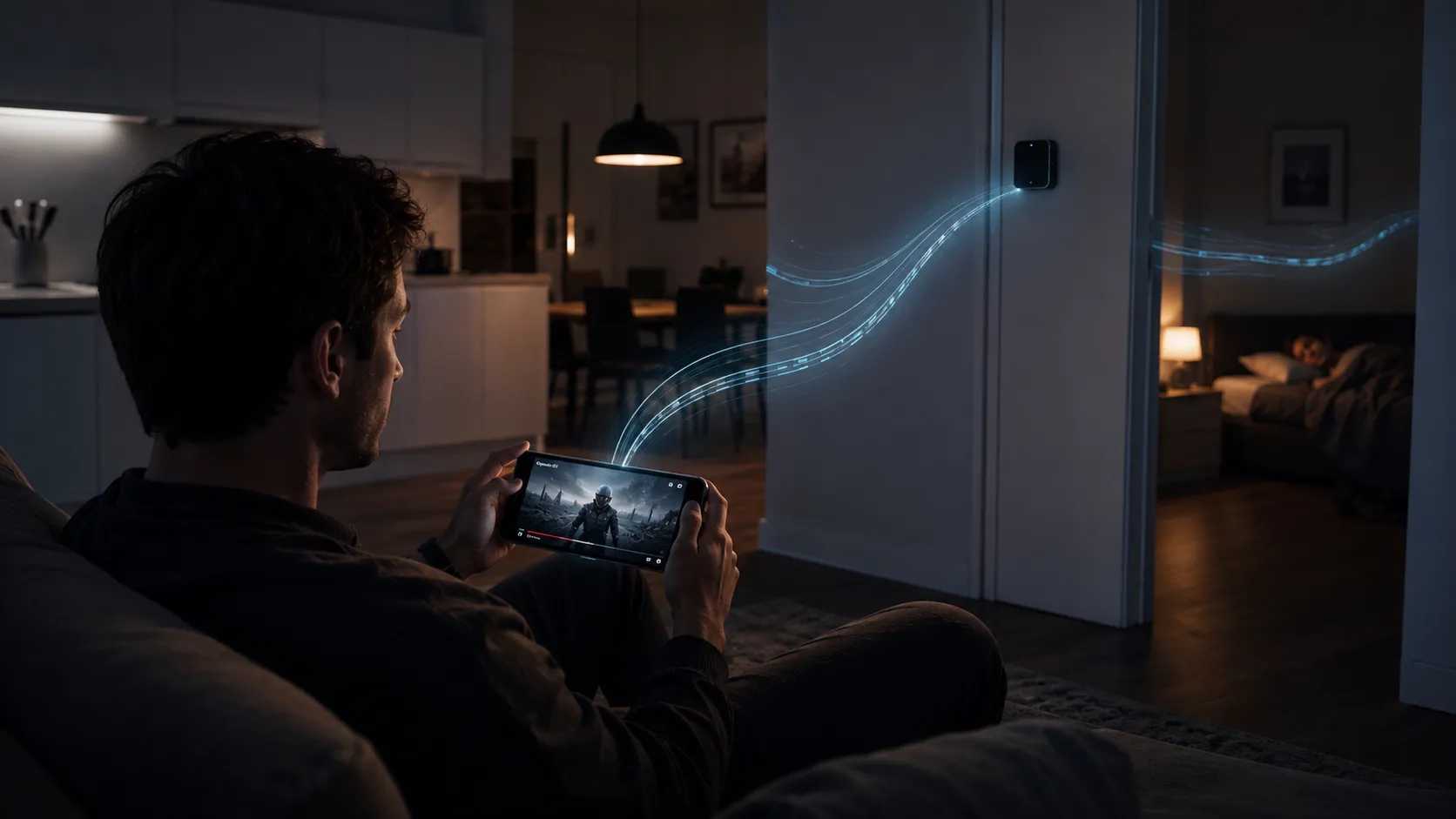
Visual answer
How data travels from the internet to your screen
Every webpage you load takes this path.
Internet server
The website or service you are accessing lives on a server somewhere in the world.
Modem
Receives data from the internet via a physical cable (fiber, coax, or phone line).
Router
Converts the incoming data into radio waves and broadcasts them.
Your device
The antenna in your device receives the radio waves and converts them back into data.
Radio waves
WiFi is just a form of radio
Radio waves are a type of electromagnetic radiation, the same family as visible light, just at a much lower frequency.
Your router broadcasts radio waves at either 2.4 GHz or 5 GHz. Your device has an antenna tuned to receive those same frequencies.
The data being sent is encoded into the radio signal as rapid on-and-off patterns. Your device decodes those patterns back into the bytes that make up your webpage or video.
Truly wireless?
Is WiFi completely wireless?
What people think
WiFi means you are completely free of cables.
The word wireless implies no physical connections are needed.
What actually happens
WiFi is wireless from router to device, but the router still needs a cable.
Your router is connected to the internet via a physical cable entering your home or building. WiFi is the last-hop wireless link between the router and your devices.
What slows WiFi
What reduces WiFi speed and range
Thick walls and floors
Concrete and brick absorb more signal than drywall.
Microwave ovens
Operate at 2.4 GHz and can interfere directly with 2.4 GHz WiFi networks.
Neighboring WiFi networks
Multiple networks on the same channel compete and slow each other down.
Distance
Signal strength drops off with distance. 5 GHz drops off faster than 2.4 GHz.
How it stays secure
How WiFi keeps your data private
Because WiFi signals pass through walls and into neighboring spaces, encryption is essential.
Modern WiFi uses WPA2 or WPA3 encryption. Data is scrambled before it leaves your device and can only be unscrambled by the intended recipient with the right key.
Open WiFi networks have no encryption, which is why using a VPN on public networks is a reasonable precaution.
Quick answers
Common questions
How does WiFi work? +
Your router converts internet data into radio waves and broadcasts them. Your device receives the waves and decodes them back into data.
What is the difference between 2.4 GHz and 5 GHz WiFi? +
2.4 GHz has more range and better wall penetration but slower speeds. 5 GHz is faster but shorter range. Most modern routers offer both.
Does WiFi use radiation? +
WiFi uses non-ionizing radio wave radiation. This is a different category from X-rays and gamma rays. At the power levels used by routers, no health effects have been established.
Why does WiFi slow down when far from the router? +
Radio wave strength decreases with distance. Farther away, the signal is weaker, and errors are more likely, which forces the connection to retransmit data more often.
Why does my WiFi work better in some rooms than others? +
Walls, floors, appliances, and other networks all absorb or interfere with radio waves. Rooms closer to the router, or with fewer obstructions in the path, get stronger signals.